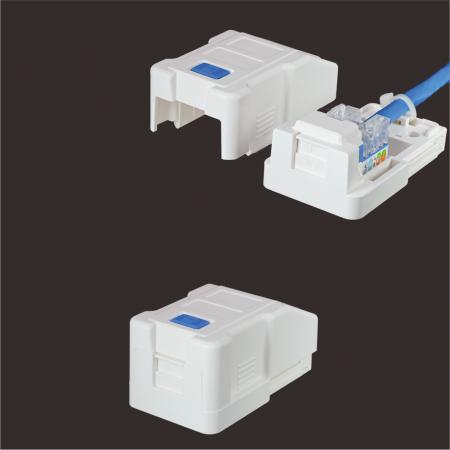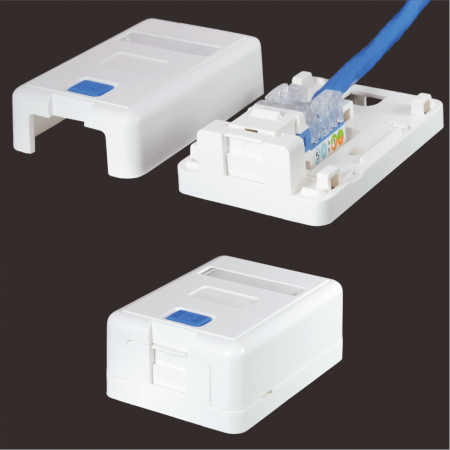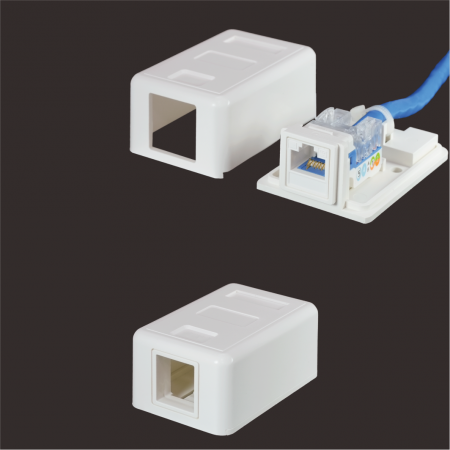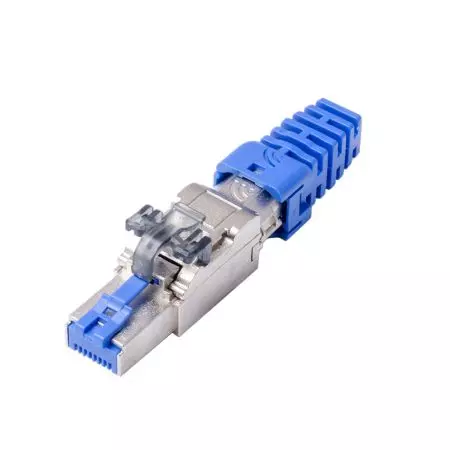
Outlet Boxes
1 / 2 / 4 / 6-Port
Outlet Boxes
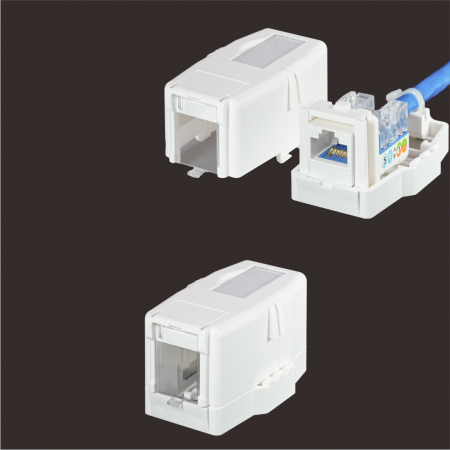
HCI offers a broad lineup of Surface Mount Boxes in 1, 2, 4, 6, and 12-port configurations. These boxes are built for keystone jack setups in places where running cables inside walls isn’t practical - like open-plan offices, movable workstations, or temporary installations. They attach easily to walls, desks, or partitions without cutting, drilling, or trenching - keeping the install clean and hassle-free.
Larger options, like 6- and 12-port boxes, are often used near workstations as intermediate terminations in zone cabling systems. This setup is known as a Multi-User Telecommunication Outlet Assembly (MUTOA) - a passive outlet box placed at the work area end of the horizontal link. Unlike a Consolidation Point (CP), which is embedded within the horizontal cable path (e.g., 75m cable → CP → 15m cable → Work Area), a MUTOA sits outside that 90-meter. It’s a plug-and-play patching point, typically connected to devices via short patch cords. The allowable patch cable length depends on wire gauge, which we’ll cover more in our dedicated MUTOA Series.
The Surface Mount Boxes are great for:
- Fast deployment of network drops without opening walls
- Extending network access when the fixed port is too far
- Adding data, voice, or multimedia connections beyond concealed wiring
- Temporary network drops for events or mobile setups
Choosing the Right Surface Mount Box – What to Consider
✅ Port Labeling and Shutter Options
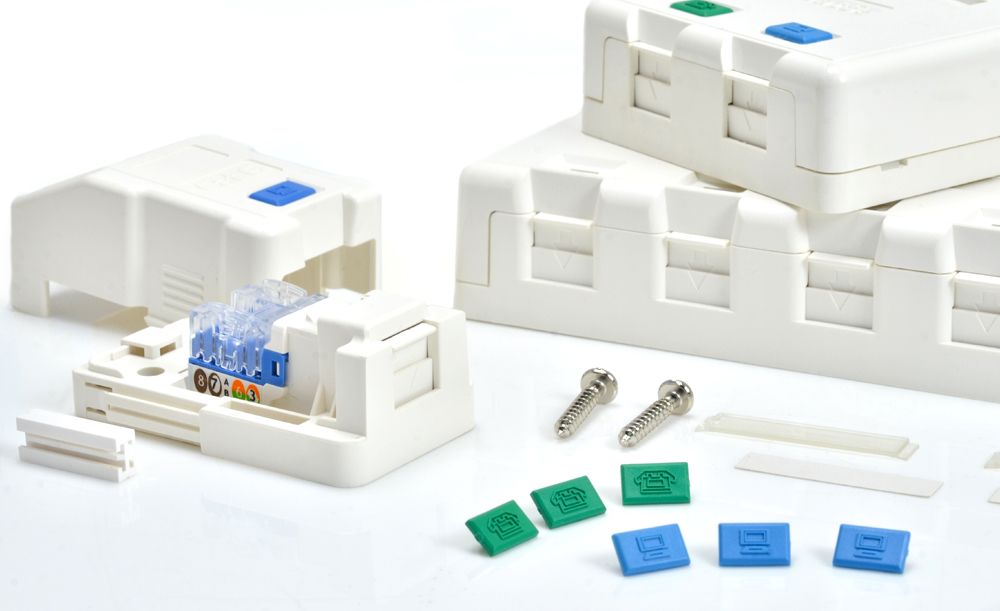
Most HCI surface mount boxes include an area for ID labeling. Except for the SMBKA Series, all models are icon-coded: Blue for Data (RJ-45 8P8C), Green for Voice (RJ-12 6P4C). Shutters are included to keep unused data ports protected from dust, debris, or insects. For multimedia applications, choose unshuttered models like the SMB Series, which support Quick-Snap Bezels that sit flush with the surface.

✅ Keystone Jack Compatibility
Except for the SMBKA Series - which securely fits most standard keystone jacks with latch heights between 19.00mm and 19.80mm - all other models are designed for specific jack types. That’s because these legacy boxes were developed when jack sizes had far less variation in height, depth, and width. Each box was usually made to fit a certain jack type. For compatibility, just check with our sales team to find the best fit.

✅ Patch Cord Engagement
Some legacy box designs have thicker sidewalls that can block booted patch cords from fully engaging. The boot may hit the edge before the locking tab of patch cord clicks into the locking notch inside the jack, leading to an insecure or unreliable connection. Always check that there's enough clearance around the jack opening when choosing a box.

✅ Cable Routing and Entry Layout
For installs that need side and rear cable entries, SMB Series and 300 Series are the way to go - both feature v-cut knockouts on adjacent sides. Want a cleaner rear-entry setup? Go with the SMBKA Series. It has dedicated rear slots that fit cables up to 8.5mm and works great with the bigger Cat 6A U/UTP Cable. Select based on your cabling needs and entry direction.

All surface mount boxes include two self-tapping screws. For non-destructive mounting, adhesive tape is a reliable alternative. And in office cubicles with metallic partitions, strong magnets provide a neat and tool-free way to keep boxes in place.